

Mobile banking in the River Valley of Arkansas offers a convenient way to manage and monitor your funds. It’s growing in popularity with consumers, but also among scammers looking to cash in.
The Arkansas Attorney General’s office warned last year that bank imposter scams were on the rise, with scammers contacting people through phone calls and text messages, claiming to represent their bank, and asking their victims to provide PINs, passwords, bank account numbers, and answers to security questions. Scammers can use that information to empty someone’s bank accounts. These scams can be especially convincing when fraudsters spoof their phone number, making it appear that a text or a call is really from the victim’s bank when it shows up in their caller ID.

The financial losses from scams grew substantially in 2024, according to the Federal Trade Commission (FTC). Consumers lost more than $12.5 billion to fraud in 2024, which is a 25% increase from the year before. Investment scams topped the list at $5.7 billion in losses, followed by imposter scams at $2.95 billion.
More than half of U.S. consumers conduct their banking via mobile apps over any other method, according to a survey last year for the American Bankers Association. This breaks down to 55% of bank customers using banking apps on their phones and mobile devices, followed by 22% doing their online banking through a computer.
At Union Bank, we have a commitment to secure mobile banking, to help you protect your bank account in Arkansas and reduce your cybersecurity threats. That’s why we offer these banking safety tips which can help you protect your accounts, whether you bank with us online, through our mobile app, or in person.
1. Use Only Official and Updated Apps
When downloading an app to your phone, make sure you use only those from official app stores, such as those for Apple, Android, and your manufacturer’s website (such as Samsung). Downloading an app from a third-party provider puts you and your data at risk. The knockoff version of a popular game or app from an unofficial provider or website could include compromised software that hackers use to steal your personal information and gain access to your accounts.
Watch out for any app that asks for unnecessary “permissions” and access to your data. Even apps from official providers can offer a security risk, if an app contains a security flaw, so it’s important to update your apps on a regular basis. This is especially true for your banking and financial apps, any antivirus or anti-malware you have, and your phone’s operating system.
You can find links to the GoUnionBank app on the Google Play and Apple Store on our digital banking page.
2. Keep Your Device Secure
Make the most of your phone’s security features by requiring a security lock such as a PIN, a password, or biometrics such as a fingerprint or facial recognition. Learn how you can find, secure, or erase a lost phone, whether it’s an Android device or an Apple device. You’ll need to enable this feature and set it up in advance, just in case your device is lost or stolen.
You should also enable the security features of whatever financial and banking apps you use, with a separate PIN or password for each one that’s different from your phone’s security code. This offers two layers of security, just in case you lose your phone. Make the most of your device’s security settings and consider using mobile security software to protect your device from viruses and malware.
3. Watch Out for Scams and Phishing Attempts
Scammers use all kinds of tactics to get you to reveal personal information or gain access to your banking and credit card accounts. You should be suspicious of any email, text message, or phone call that asks you to “confirm information” about your accounts or identity, reveal your PINs or passwords, or to change them. A text or email could contain a link or ask you to download an attachment. All of these are examples of scams in the Ouachita and River Valley regions.
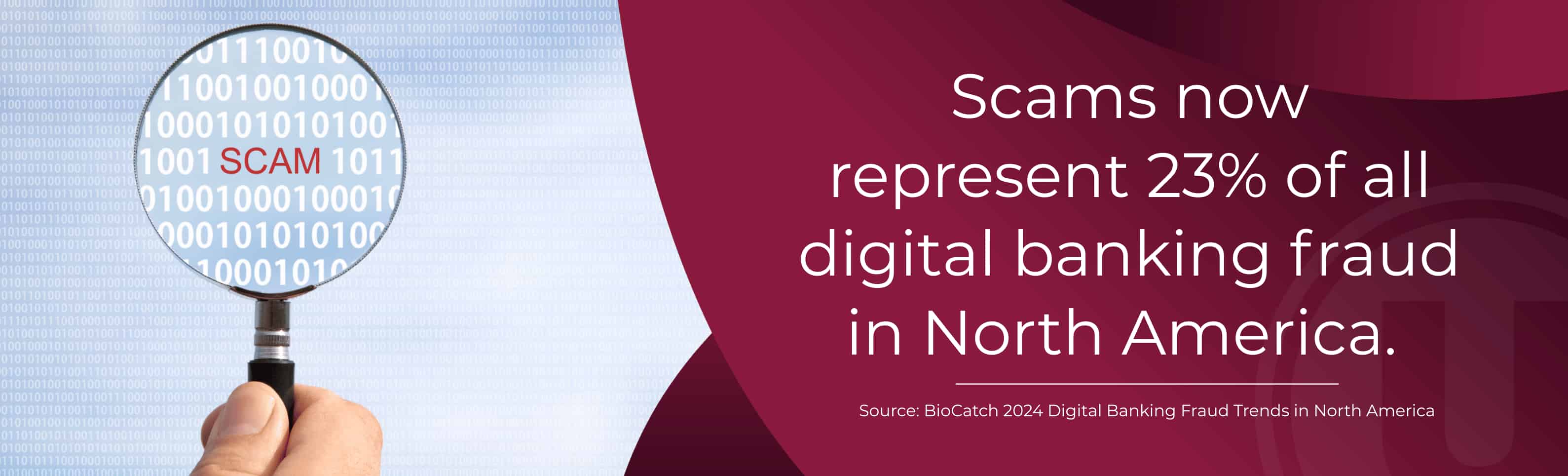
Anytime you’re asked to do something immediately, that’s a reason to slow down. Scammers love to create a sense of fear and urgency, so you act without thinking and don’t take the time to verify if the message is legit.
These scams can be hard to detect because it’s far too easy for fraudsters to impersonate your bank or some other company. They might create an email that looks almost like the real thing, with an address that could be just a few characters off, and your bank’s logo copied and pasted into the email. Scammers can also make a phone call or text message look like it’s coming from your bank’s actual number.
A scammer’s message might claim that your account has been “frozen” because of security issues. They might say you’re a victim of fraud and your accounts have been hacked. If there’s a link included, it’ll take you to some nefarious website where you’ll be asked to change a password or reveal personal information. You’ll just be giving a scammer access to your account or give them information they could use to hack your accounts and/or steal your identity.
The link could also be a way for a scammer to install malware on your device without you realizing it, so they can steal your personal information or lock up your device and demand a ransom. If there’s an attachment, you can bet it’ll include some kind of malware, spyware, or a virus.
Union Bank will never ask you to reveal sensitive information over text or email, and neither would your credit card or any other company you do business with.
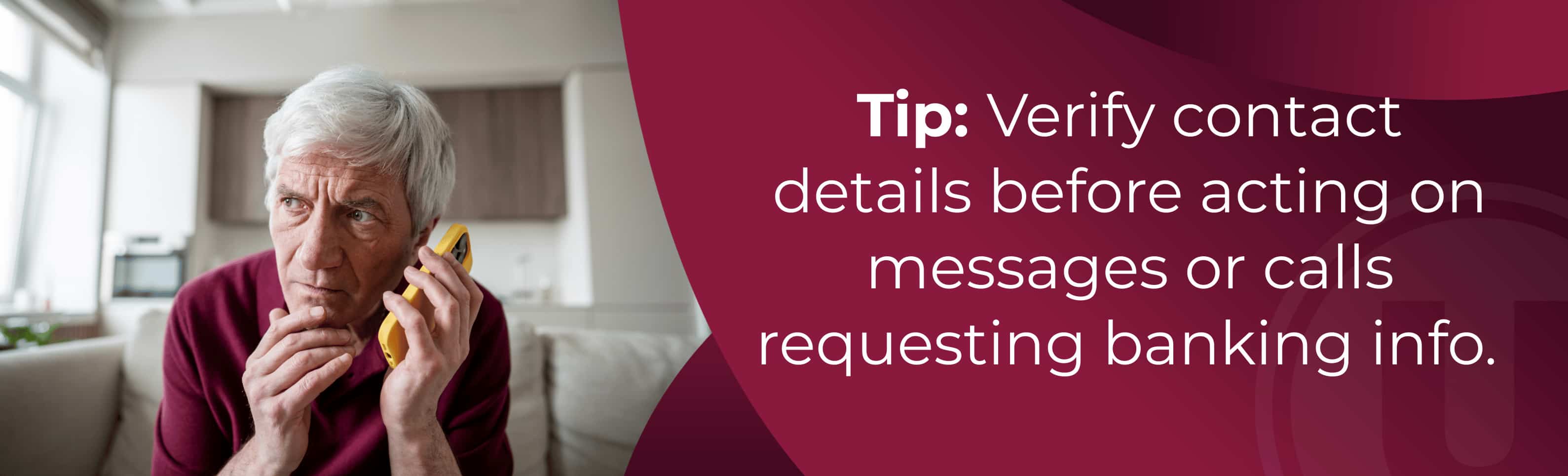
Before you click on a link, take a close look at the message. If an email addresses you by name, it might be legitimate. If it has a generic greeting such as “dear customer,” there’s a good chance that it’s a scam. If you have any doubts about a message you receive, take the time to call and verify the message by contacting the company directly through a number that you know to be legitimate, such as the number on your monthly statement or the back of your ATM/credit card.
4. Monitor Your Accounts and Regularly
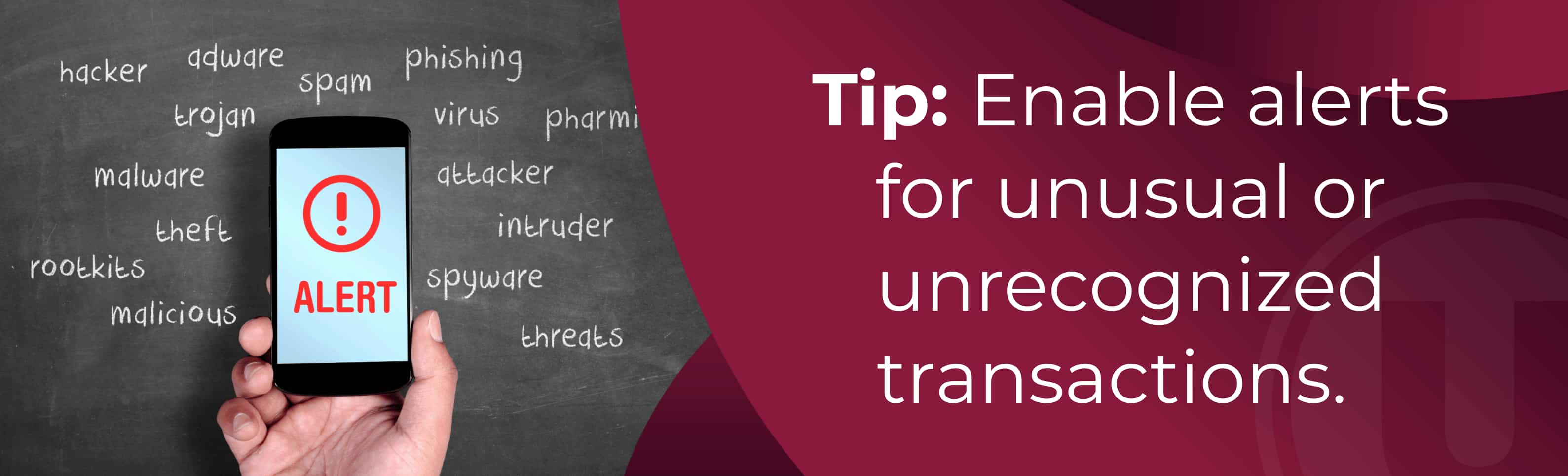
One of the many benefits of mobile and online banking is that you can check your accounts regularly to look for signs of fraud. If you see any reason to be suspicious, report this to Union Bank immediately. Frequently checking your financial accounts can help you avoid a loss.
5. Check Your Credit Reports
Monitoring your credit history is another useful tool in fighting fraud, and you can do so for free at AnnualCreditReport.com. This service used to be available once a year, but you can now check your credit every week. You’ll get a credit report from each of the nation’s credit reporting bureaus and see your credit score. They each have different ways of calculating your credit, so your score will be slightly different for each of them. Look for any signs of fraud or mistakes, such as an account you don’t recognize. If you find something wrong, you can contact the bureau that lists the information: Equifax, Experian, and TransUnion.
6. Be Careful with Public Wi-Fi
That free Wi-Fi at the coffeehouse is a convenient way to hop on the Internet. Unfortunately, it might not be completely secure. Scammers have been known to intercept public Wi-Fi signals and copy their data without victims realizing it. If you do use public Wi-Fi, make sure you don’t engage in any financial transactions and try to avoid a situation where you enter a PIN or password to your accounts.
7. Use a Virtual Private Network (VPN)
A virtual private network (VPN) is like a digital tunnel to protect your information when using the Internet, including Wi-Fi. Many businesses have their employees use VPNs, even when they have a wired Internet connection, because it improves their digital security.
8. Use Multifactor Authentication (MFA)
When you set up multifactor authentication (MFA) on an account, such as your bank or email, you would have to approve any logon attempts through an app on your phone or a passcode you receive via text or email. Even if a scammer knew or guessed your PIN or password, an MFA requirement could still block them from accessing your account.

Don’t Reveal Your MFA Code!
Because of the increasing use of multifactor authentication, scammers may ask you to reveal an MFA code or grant them access to one of your accounts. Don’t reveal your MFA codes to anyone. If someone asks for them, that’s a clear sign of a scam.
Union Bank Offers Extra Layers of Protection for Your Accounts
At Union Bank, we are dedicated to protecting your bank accounts in Arkansas. All of our account holders receive full FDIC insurance coverage. You can set up account alerts online or through our secure mobile app. Our app also allows mobile check deposit, so you can deposit a check without visiting a bank branch or an ATM.
Work with Us to Protect Your Accounts
At Union Bank, we’re here to support you and answer any questions on safe mobile banking in the Ouachita and River Valley regions of Arkansas. If you need help with online banking, downloading our mobile app, or keeping your accounts secure, please contact us or visit one of our locations in Mena, Paris, Hatfield, Wickes, Caulksville, Ozark, Waldron, Russellville, Booneville, and Clarksville.